Crosstalk Infographic
Crosstalk Infographic and Ethernet Cabling Guide
Crosstalk is unwanted signal bleed from one copper pair or cable into another. In an Ethernet run, crosstalk can show up as lower negotiated speed, packet errors, retries, or a connection that works one day and becomes unreliable after a rack or cable bundle is moved.
The problem is usually not one single part. It is often a combination of tight bundles, crushed cable, poor terminations, damaged twists, sharp bends, or data cable routed too close to electrical noise. The infographic gives a quick visual overview, while this guide explains the practical choices that reduce risk.
Ways to reduce crosstalk
- Keep pair twists close to the jack or plug termination point.
- Avoid crushing cable with staples, tight zip ties, or sharp rack bends.
- Separate low-voltage data cable from power where possible.
- Use parts rated for the installed cable category.
- Use shielded Cat6 or Cat6A components only when the job calls for shielding.
Why organization matters
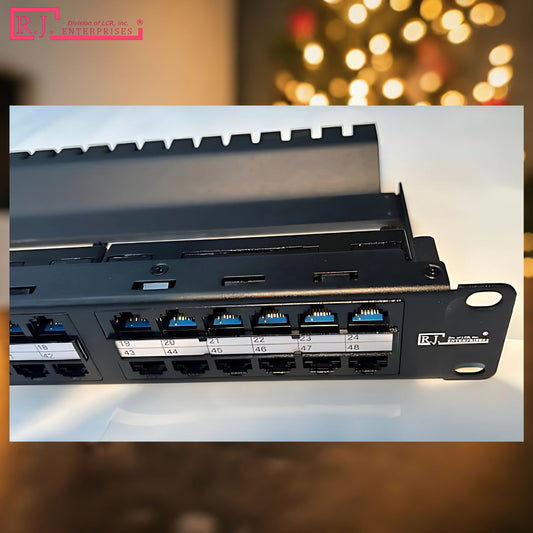
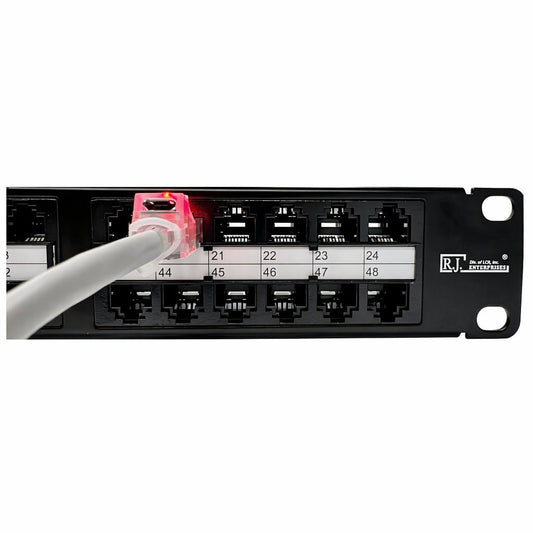
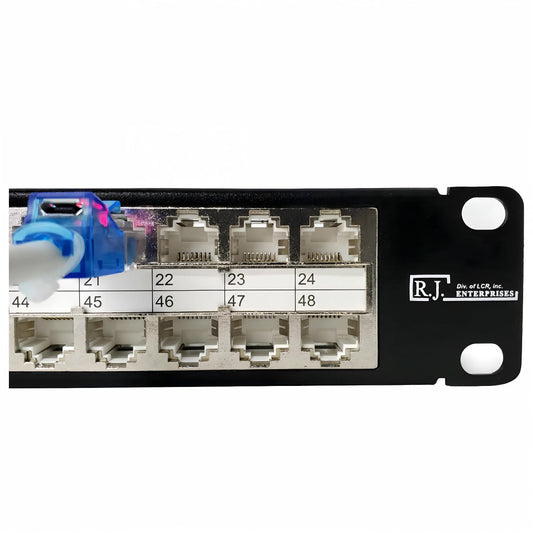
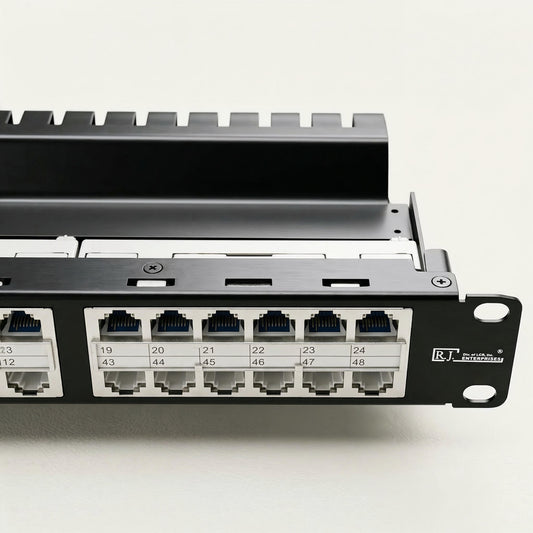
A clean patch panel makes crosstalk and cable damage easier to avoid because every run has a predictable path. Labels also help you troubleshoot without pulling on random cables in a dense rack. When wall outlets are used, keystone jacks and plates should hold the termination securely so cable movement does not stress the connection.
For rack cabling, browse R.J. Enterprises patch panels. For finished wall outlets, see keystone jack and coax wall plate bundles.


Related guides
Continue with Patch Panel, Keystone Jack, RJ45 Connectors, and Network Cabling Infographics.