Patch Panel Infographic
Patch Panel Infographic and Buying Guide
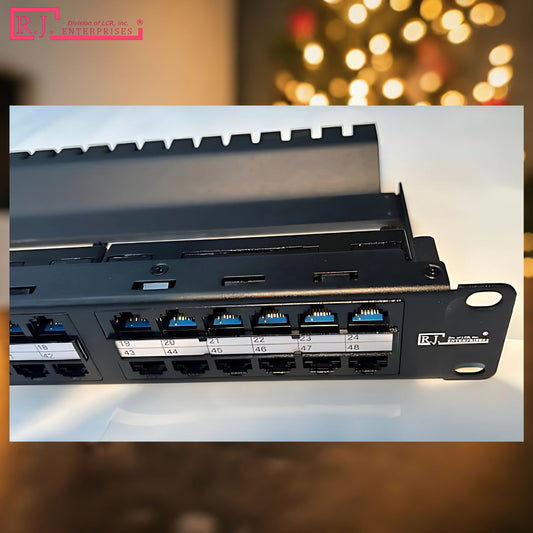
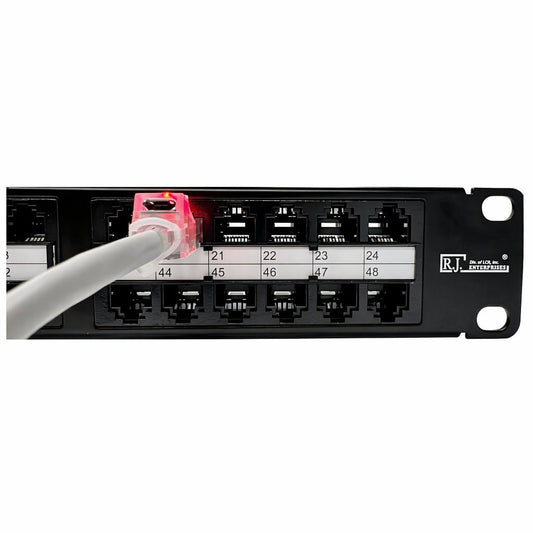
A patch panel is the organized landing point for permanent Ethernet cable runs. Instead of moving building cable every time a switch changes, each run terminates at the panel and is connected to equipment with a short patch cord. That keeps the permanent cable protected and gives the rack a clean service point.
This guide is useful for small business racks, telecom rooms, homelab cabinets, data closets, and commercial low-voltage jobs. A patch panel does not make the network faster by itself, but it helps preserve a clean cable path so switches, wall outlets, cameras, access points, and workstations can be labeled and serviced more easily.
What to look for
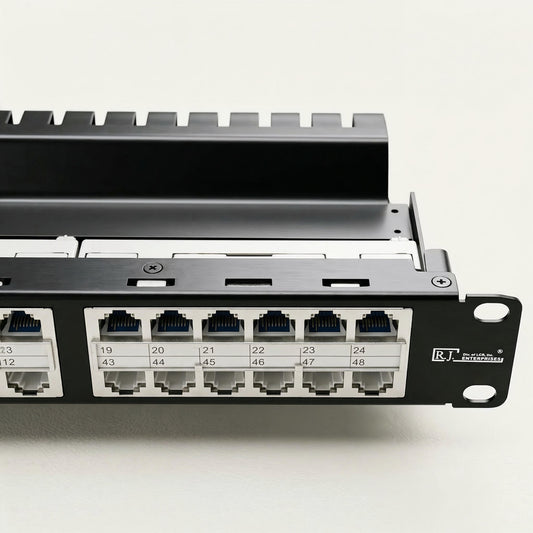
- Choose 24-port panels for smaller racks or lighter office wiring.
- Choose 48-port or high-density panels when rack space matters.
- Match Cat5e, Cat6, or Cat6A ratings to the installed cable.
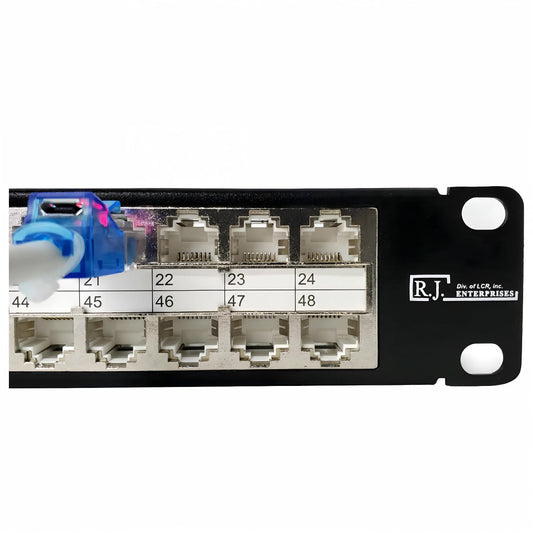
- Use shielded panels only when the rest of the cable path is designed for shielding and grounding.
- Use clear labels so each wall drop, device, or room location is easy to trace.
Why it helps with troubleshooting
When a port stops working, a labeled patch panel lets you check the wall drop, patch cord, and switch assignment without guessing. It also reduces wear on expensive switch ports because day-to-day changes happen at the patch field. In busy racks, unused RJ45 ports can be protected with dust covers so the panel stays cleaner between changes.
Browse R.J. Enterprises patch panels for Cat5e, Cat6, Cat6A, shielded, staggered, and high-density options. For unused rack ports, see RJ45 dust covers.


More networking infographics
Compare related guides: Keystone Jack, RJ45 Connectors, Crosstalk, Data Center, and Network Cabling Infographics.