Data Center Infographic
Data Center Infographic and Cabling Guide
A data center or network room depends on predictable connections. Servers, switches, patch panels, cabinets, cable managers, labels, and power planning all work together so equipment can be added, serviced, and replaced without guessing where every cable goes.
The infographic explains the big picture. For day-to-day maintenance, the practical lesson is cable management. A rack with labeled ports and clean patching is easier to troubleshoot, easier to expand, and less likely to suffer from accidental unplugging or blocked airflow.
Parts that keep a rack serviceable
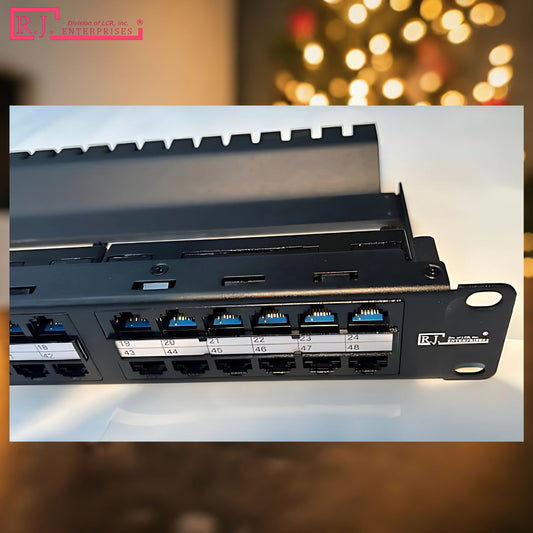
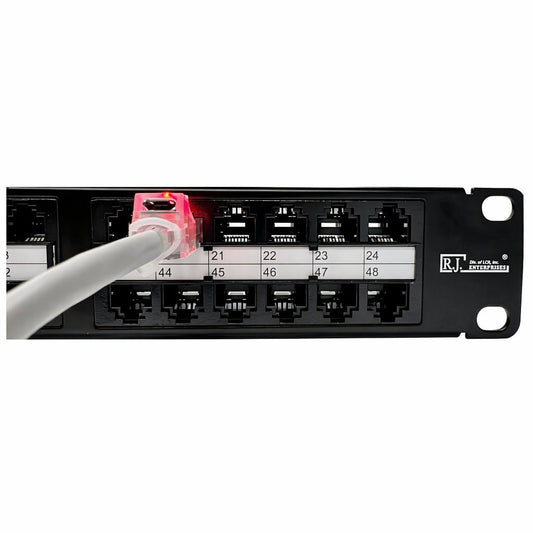
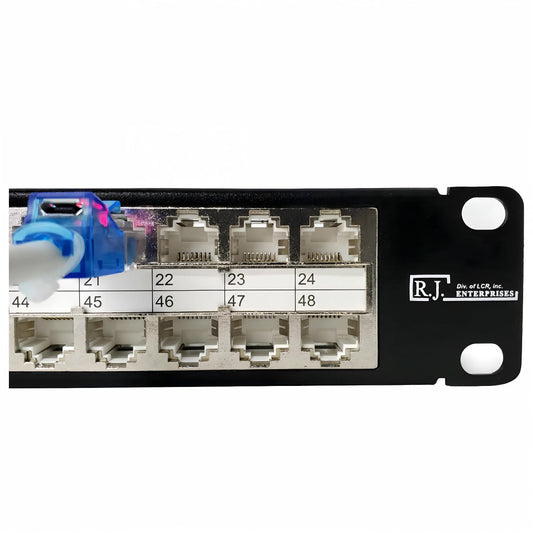
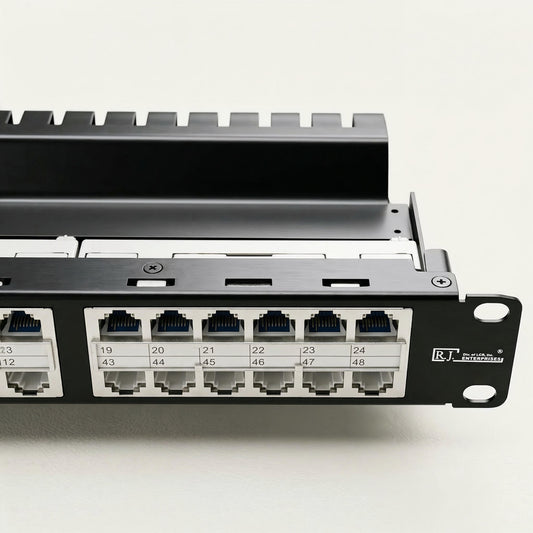
- Patch panels create a clean handoff between permanent cable runs and patch cords.
- Labels identify office drops, device locations, switch assignments, and spare ports.
- RJ45 dust covers help protect unused ports in dusty storage rooms or active telecom closets.
- Horizontal and vertical cable managers keep patch cords away from airflow and service paths.
- Shielded components may be needed when the cabling design calls for EMI protection.
Choosing patch panel capacity
Use 24-port panels for smaller racks or simpler wiring projects. Use 48-port or high-density panels where rack space is limited or future expansion is expected. The right choice depends on port count, available rack units, cable category, and how often the network will change.
R.J. Enterprises sells parts and components, not installation service. If you are building or refreshing a rack, start with the patch panel collection and add RJ45 dust covers for unused ports.

Related guides
See Patch Panel, Power over Ethernet, Smart Building, and Network Cabling Infographics.