Power over Ethernet (PoE) Infographic
Power over Ethernet Infographic and Cabling Guide
Power over Ethernet, or PoE, lets a compatible switch or injector send both data and power over Ethernet cabling. It is commonly used for IP cameras, wireless access points, VoIP phones, access control devices, sensors, and other low-voltage network equipment.
The cable and passive hardware do not create the power. The PoE source comes from the switch or injector. Patch panels, wall plates, and keystone jacks simply maintain a clean connection path between the source and the device. That physical path still matters because poor terminations or damaged cable can cause intermittent device problems.
What to plan before buying parts
- Confirm whether the device needs PoE, PoE+, or PoE++ power levels.
- Use quality Cat5e, Cat6, or Cat6A cable based on the project requirements.
- Keep terminations clean at patch panels, jacks, and wall plates.
- Label PoE device runs so cameras and access points are easy to service.
- Use shielded components only when the environment and cable path call for shielding.
Where patch panels and wall plates fit
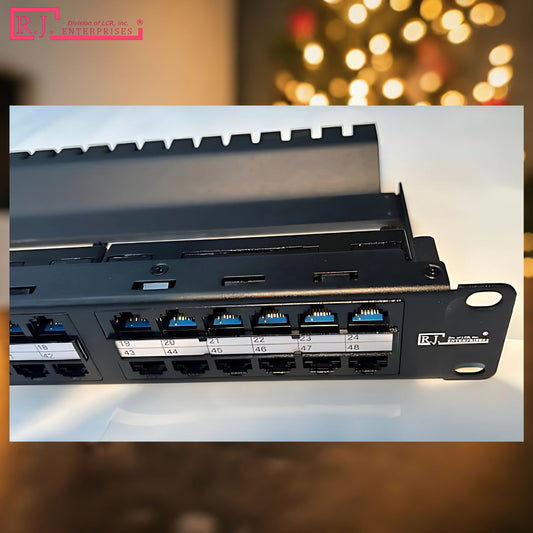
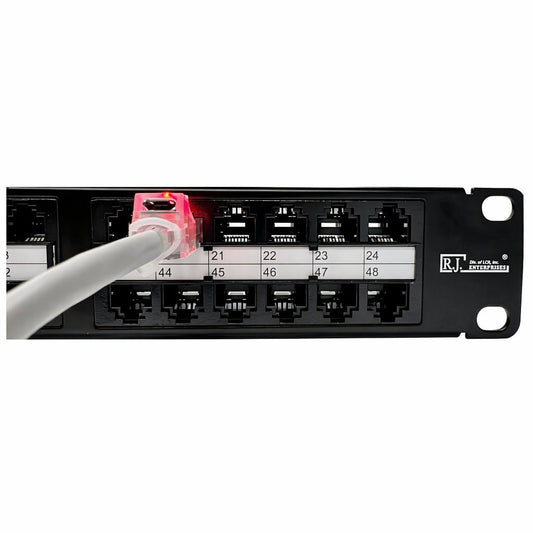
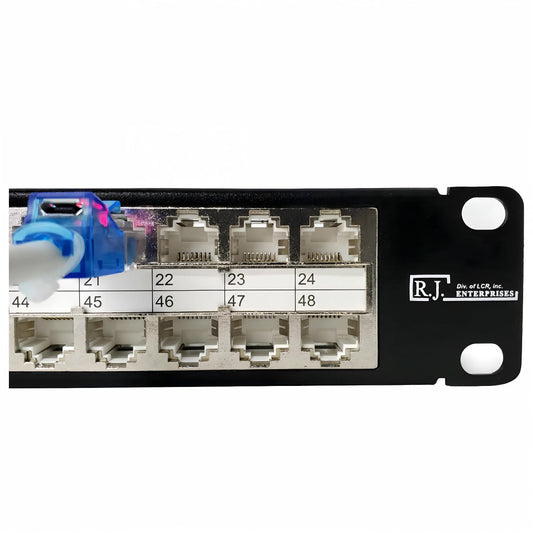
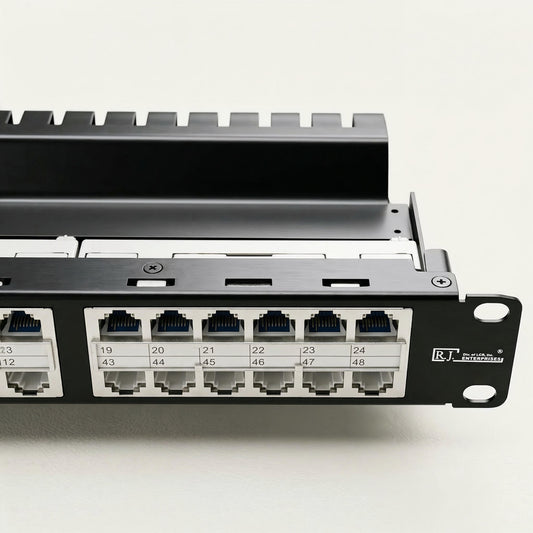
In a rack, a patch panel keeps permanent cable runs organized before they connect to a PoE switch. In a room or device area, a wall plate or keystone jack gives the run a finished endpoint. For direct device mounting, a field termination plug may be more practical than a wall plate.
For network organization, start with patch panels. For clean room-facing outlets, see keystone jack and coax wall plate bundles. For unused RJ45 ports, use RJ45 dust covers.

Related guides
See Field Termination Plug, Patch Panel, Smart Building, and Network Cabling Infographics.