
Office Network Closet Setup Guide
Share
An office network closet upgrade starts with a purchasing question: how many wall outlets, keystone jacks, patch-panel ports, switch ports, and powered connections does the office actually need? Counting only the desks in use today can leave the tech department short as soon as a conference room changes or a new access point is added. Buying every component at the highest available category can waste budget without upgrading the installed cable plant. The useful starting point is a capacity plan that connects every intended room endpoint to the right closet hardware.
This guide focuses on port budgeting and component selection for a small or mid-sized office. Our separate room-to-rack labeling guide covers the handoff record. Here, the goal is to turn a device count into a bill of materials for wall plate bundles, Cat6 and Cat6A keystone jacks, and patch panels.
Count installed drops, not just active devices
List every location where a permanent Ethernet cable should end: desk positions, meeting rooms, printers, wireless access points, security devices, and specialty equipment. Decide how many connections each position deserves. A desk with a computer and an IP phone may need one or two drops depending on device design and IT policy. Count the physical cable runs first; decide which ones need active switch ports second.
For example, 12 desks with two drops each require 24 runs. Add six meeting-room drops, four access-point drops, four camera drops, and two shared-printer drops. That totals 40 permanent runs. On a 48-port panel, eight positions remain for future cables. This is a planning example, not a universal reserve percentage. If the office expects rapid growth, plan additional capacity before the rack is full. Our 48-port versus two 24-port panel comparison explains a separate rack-space tradeoff.
A panel port is needed for every cable that has been installed and terminated, even if that drop is not currently patched to a switch. A switch port is needed only when the drop is active. Keeping these counts separate can prevent buying a 48-port switch merely because the team chose a 48-port panel. Conversely, a device that needs PoE must be counted against both active port capacity and the switch's power budget.
Choose the room endpoint
At the desk or device location, a wall plate provides the visible, serviceable endpoint. A keystone jack snaps into the plate and terminates the in-wall Ethernet cable. If a location also needs coax for a cable modem, television, or another approved service, a combined Ethernet and coax wall plate can keep both connections in one clean opening. An ordinary office desk that needs only Ethernet does not require a coax connection.
Match the keystone jack to the installed cable and the intended channel. For example, a Cat6A project should use compatible Cat6A connecting hardware, patch cords, and test limits. Select a shielded jack when the design calls for a shielded system; shielding should be planned across the cable, jack, panel, and bonding path rather than added to one component alone. Our guides to keystone jacks and shielded versus unshielded jacks can help with that choice.
Decide on a wiring scheme before termination and use it consistently on both ends of each run. Fluke Networks explains T568A and T568B and why the conductor order differs. Follow the markings on the actual jack rather than assuming every manufacturer prints the same rear layout.
Bring every permanent run to the closet
Each room cable should terminate in the closet at a documented patch-panel port. The panel is the passive connection point; the switch supplies active network access. A short patch cord connects a panel port to the appropriate switch port. This arrangement lets the tech department change switch assignments without disturbing the permanent cable. If the distinction is new to your team, see patch panels versus switches.
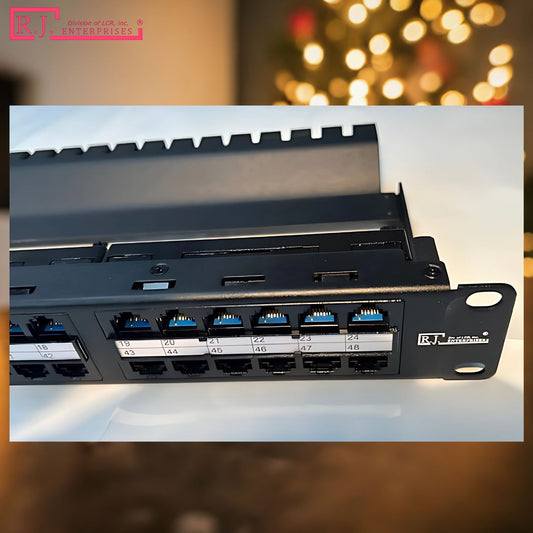
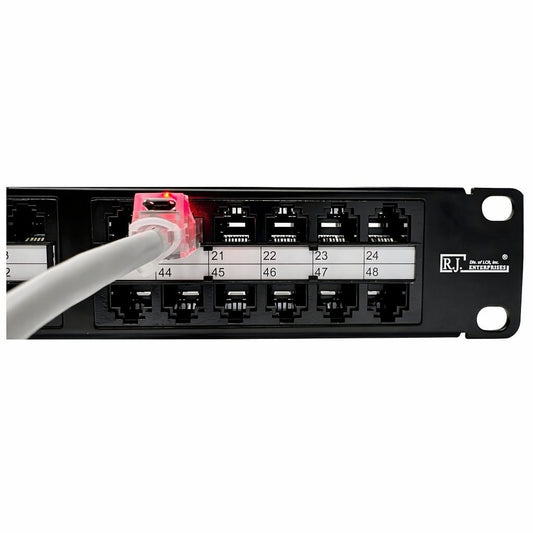
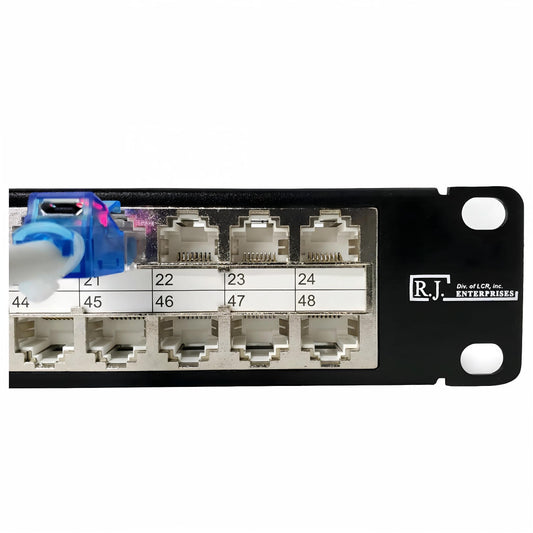
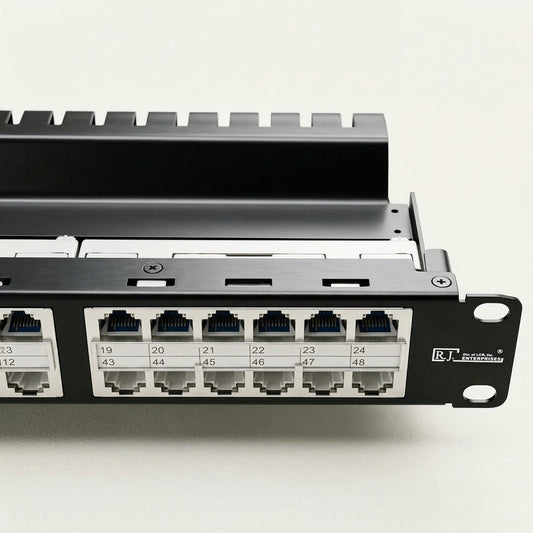
For dense installations, the R.J. Enterprises HDPP-48-C6A puts 48 Cat6A ports in 1U. The HDPP-48S-C6A offers a shielded Cat6A option for designs that require it. The catalog also includes Cat6 and shielded Cat6 high-density models. These tool-less, keystone-based panels avoid punch-down work at the panel, though the full run still needs correct termination and testing.
Place the panel, horizontal cable manager, and switch so the patch cords can be traced without blocking labels or airflow. Leave service loops only where the installation design permits them, support cable bundles correctly, and avoid tight bends or pulling tension near terminations. A neat rack should remain easy to service after the first installation crew leaves.
Reserve the right kind of growth space
Spare panel ports, spare switch ports, spare rack units, and spare PoE watts are four different resources. The eight unused panel positions in the 40-run example can accommodate future cables, but they do not guarantee room in a cable pathway or power capacity in the switch. A capacity plan should name likely future devices, show where their cable routes will go, and say whether they need power. An access point or camera rollout can make an otherwise adequate data-port count insufficient on the PoE side.
Also compare the number of faceplate openings with the number of installed cables. A two-port plate with two runs needs two jacks. A four-opening meeting-room plate may leave an opening for later, but that is not a working connection until the cable is installed and terminated. Keep a modest stock of compatible replacement jacks and patch cords. For a separate discussion of documenting the finished runs, see our room-to-rack handoff guide.
Plan separately for powered devices
Wireless access points, IP cameras, phones, and access-control devices may receive power over Ethernet. The patch panel does not generate that power; a suitable switch or injector supplies it through the cabling channel. Record which outlet serves each powered device and verify the power budget at the switch. Our PoE overview covers the basics.
High-power PoE deployments also require attention to cable type, bundle size, temperature, and applicable electrical rules. The Ethernet Alliance discusses cabling-system design for PoE. The right answer depends on the installed cable, device load, and site conditions, so the tech department should coordinate with the cabling designer or installer.
Turn the plan into a purchase checklist
Convert the approved room schedule into counts of cable runs, wall plates, keystone jacks, panel ports, patch cords, and active switch ports. Put the selected category and shielding decision beside every item. Identify cable managers, rack space, pathways, test requirements, and a small supply of matching replacement parts. A clean bill of materials prevents a project from stalling because the plates arrived but the correct jacks did not.
Before ordering, review a few sample locations from start to finish. Does the meeting room's plate have enough openings? Are its jacks compatible with the specified cable? Is there a corresponding panel position for each planned run? Do active devices have switch ports, and do powered devices fit the PoE budget? Have future connections been reserved in both the panel and the rack plan? These questions catch design gaps while they are still inexpensive to fix.
Once installed, test the links to the project's specification. A basic wire map can reveal some wiring faults, but it is not the same as full category certification; Fluke Networks explains the distinction. Keep the results with the final outlet schedule so the team can distinguish an installed, tested spare from a merely planned position.
Buy for the office you are building
The best closet plan is neither the smallest one that works today nor the largest one that fits the rack. It is a documented count of current and foreseeable connections matched to compatible components. Start with the room schedule, choose the wall plate and jack for each endpoint, select panel capacity for the permanent runs, and size switches for active devices and power needs.
Compare R.J. Enterprises' wall plate bundles, Cat6 and Cat6A keystone jacks, and patch panels as parts of that purchase plan. For the installation sequence after ordering, use our structured cabling checklist.